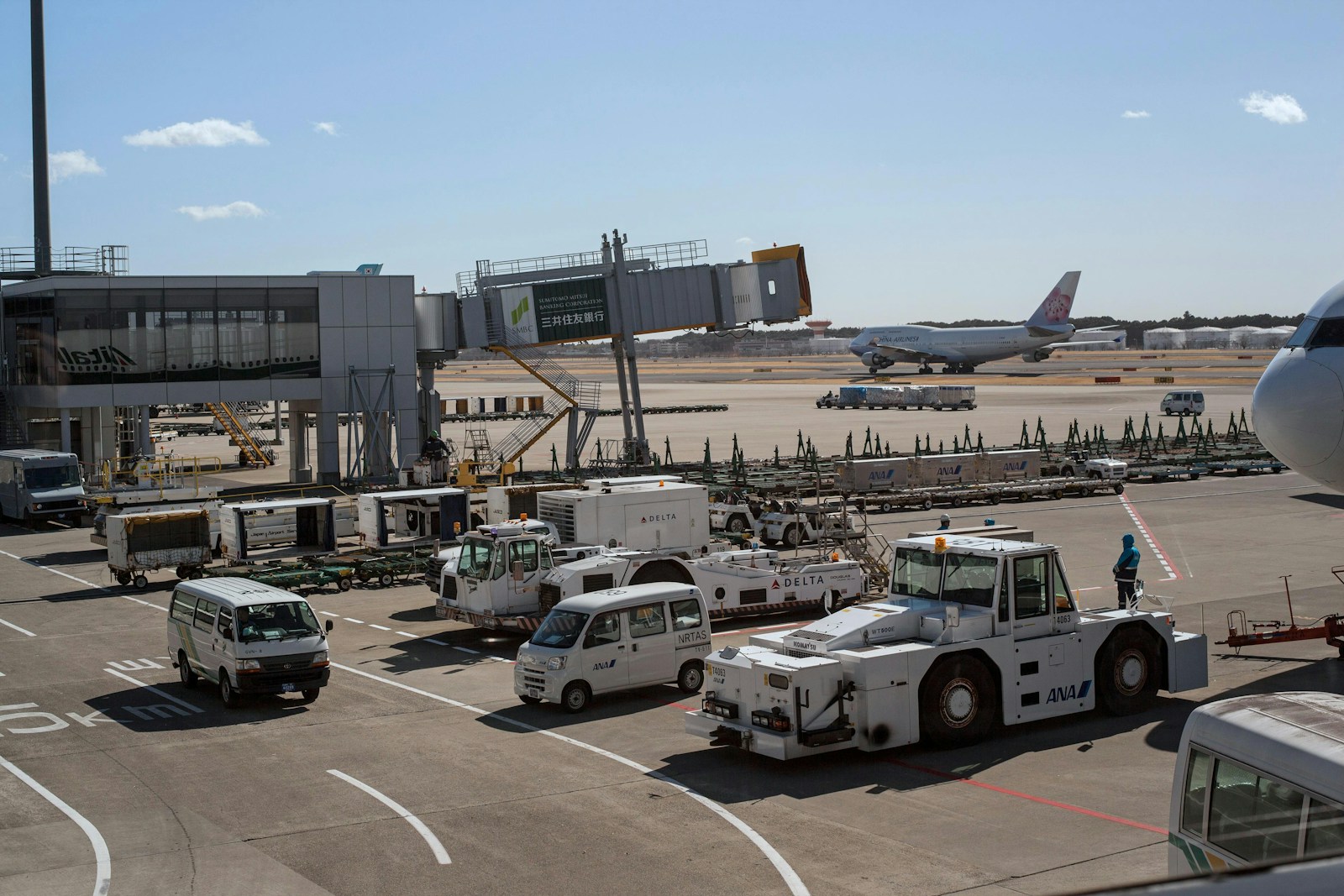
Why airport parking makes us lose the car
It is not just bad memory. Airport parking is hard because several things happen at once:
- You arrive in a hurry or under stress. Your mind is on check-in, security and the gate.
- Long-stay parking areas are huge and uniform. Hundreds of similar spaces and few visual references.
- Too much time passes between parking and returning. You park on Friday and come back ten days later at night.
- You return tired or jet-lagged. After hours of travel, you still have to find one car among many.
Airport parking is almost the perfect case for human spatial memory to fail. Do not beat yourself up.
Manual tricks to remember where you parked
These classic methods work if you remember to use them at the exact moment you park. That is the catch.
Take a photo of the floor and row sign
As soon as you get out, take a photo of the nearest sign: floor, column, letter or number. It is the most effective manual trick.
Where it fails: six days later you may have 200 trip photos above it. Finding that sign photo becomes a small mission.
Take a photo of the car with its surroundings
A photo of the car with a recognizable reference in the background can help when you return, especially if your car has a common color.
Where it fails: parking areas are designed to look similar. The column that felt unique may appear dozens of times.
Write it on your boarding pass
If you use a printed boarding pass, write down the floor and row. Old-fashioned, but reliable.
Drop a manual pin in Google Maps
Opening Google Maps and saving a pin can work, but it still requires remembering before you leave the car. If GPS has not stabilized, the point may be off.
All of these tricks have one thing in common: they require you to remember to do something when you are thinking about catching a flight.
The automatic method: let your phone remember for you
The shared problem is remembering. Remove that step and there is much less to fail.
That is the idea behind ByParker: configure your car Bluetooth once in the app, then do nothing else. Each time you turn off the engine and walk away, your phone disconnects from the car Bluetooth and the app saves the location.
When you return to the airport parking a week later, open the app and the saved point is there, with a map and a button to start navigation.
Privacy matters here too: your location stays only on your phone. We do not store it on our servers.
What to consider at busy airports
Each airport has its own difficulty level. The important thing is to notice the references that still make sense after a long trip.
Large multi-terminal airports
The biggest risk is mixing up terminal and parking area. If you fly out from one terminal and return to another, the memory can easily point you to the wrong place.
Tip: before parking, make sure the parking area matches the terminal where you will return.
Long-stay outdoor parking
These areas are often wide, repetitive and far from the terminal. Shuttle buses add another layer of confusion.
Tip: note the shuttle stop and row color, not only the parking space.
Covered and underground parking
Floors and modules matter more than the exact GPS point. Signal can be weaker indoors, but a saved location near the entrance or exit can still be useful.
Tip: combine automatic saving with a quick photo of the floor sign if the car will stay there for many days.
Frequently asked questions
How long does ByParker keep my car location?
As long as you want. ByParker saves it in a local database on your phone and does not delete it automatically.
What if my phone runs out of battery during the trip?
The location was saved when you parked and Bluetooth disconnected. When you turn the phone back on, the point is still stored in the app.
Does it work in covered parking with poor GPS?
It can, although accuracy may vary in deep underground parking. In many long-stay or lightly covered areas, it is enough to get back to the right zone.
Does it work in private parking outside airports?
Yes. The app saves the location wherever you are when your phone disconnects from your car Bluetooth.
Do I need to open the app before leaving the car?
No. Once your car Bluetooth is configured, the app works in the background. You park, turn off the engine, grab your bags and go.
Does it work outside Spain?
Yes. The mechanism depends on your car Bluetooth, not on the airport or country.
Summary for your next airport trip
- If you use manual tricks, photograph the floor sign as soon as you leave the car.
- Make sure your return terminal matches the parking area.
- If you want to stop thinking about it, configure your car Bluetooth once in ByParker and let the app save the location automatically.
Keep reading