No backend
There is no ByParker server waiting for your coordinates. Your history lives on your device.
ByParker automatically saves your car location when Bluetooth disconnects as you park. No opening the app. No manual pins. Fully functional in the background.
Privacy
The app uses location to do its job, but it does not send your parking history to external servers. Capture happens when Bluetooth disconnects, not as continuous tracking.
There is no ByParker server waiting for your coordinates. Your history lives on your device.
The product promise is simple: remember where you parked without turning your location into commercial data.
You can disable monitoring, delete records or enable automatic history deletion.
How it works
History
ByParker does not keep parking points just to create clutter. It organizes them so you can recognize the useful one and open the route without digging.
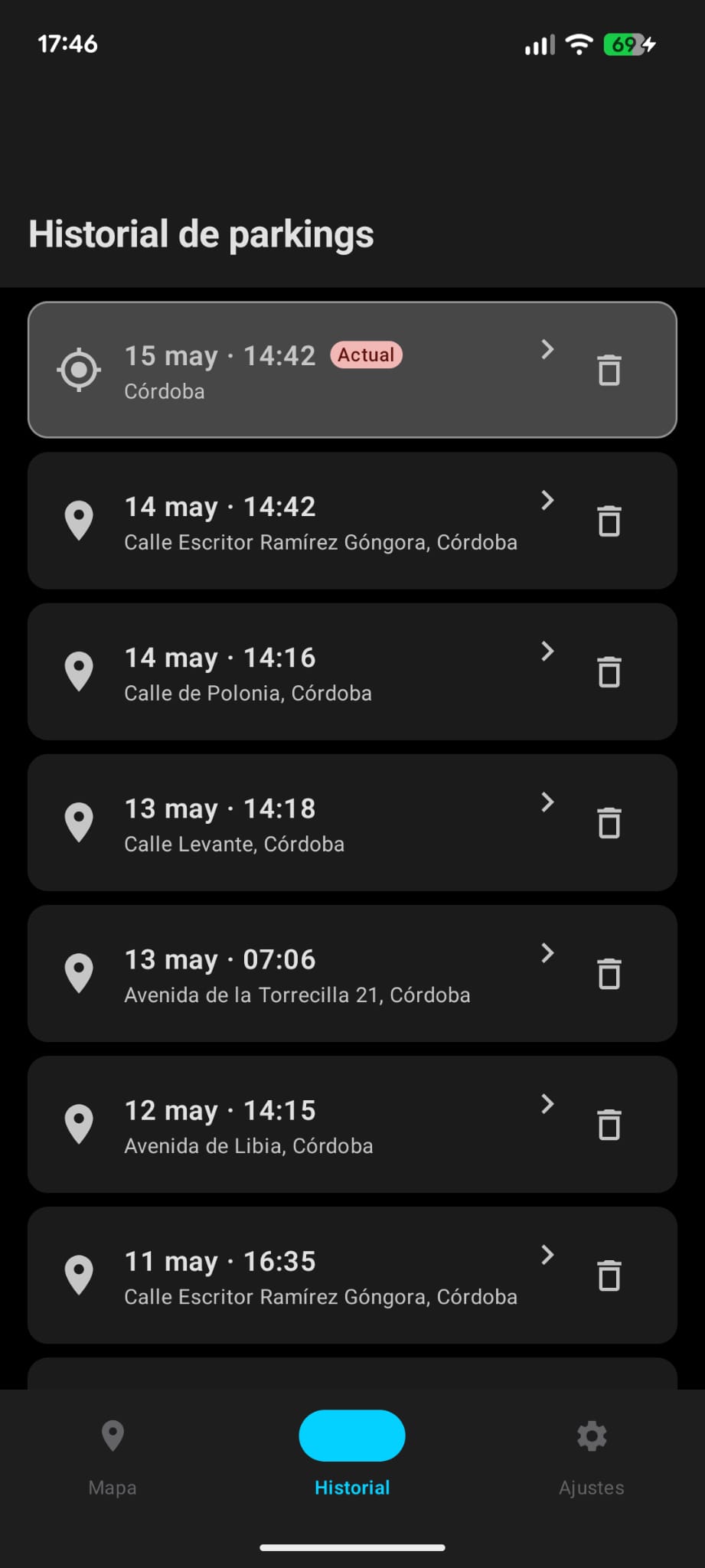
History is grouped by date so the current parking point stays separate from previous trips.
Each record shows how long ago you parked and, when location is available, the approximate distance from where you are.
Keep 7, 15 or 30 days. The app clears older records on startup and when you change the setting.
Real product
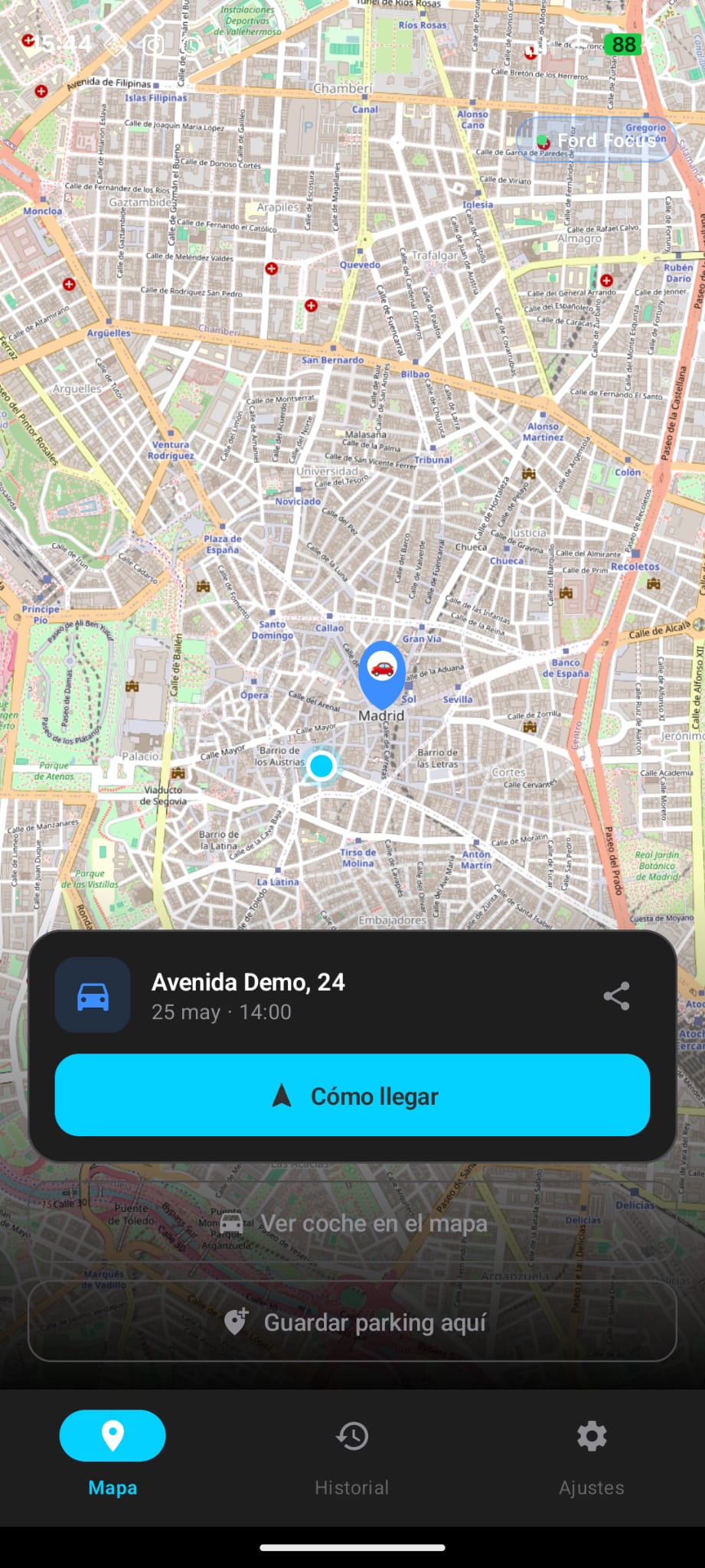
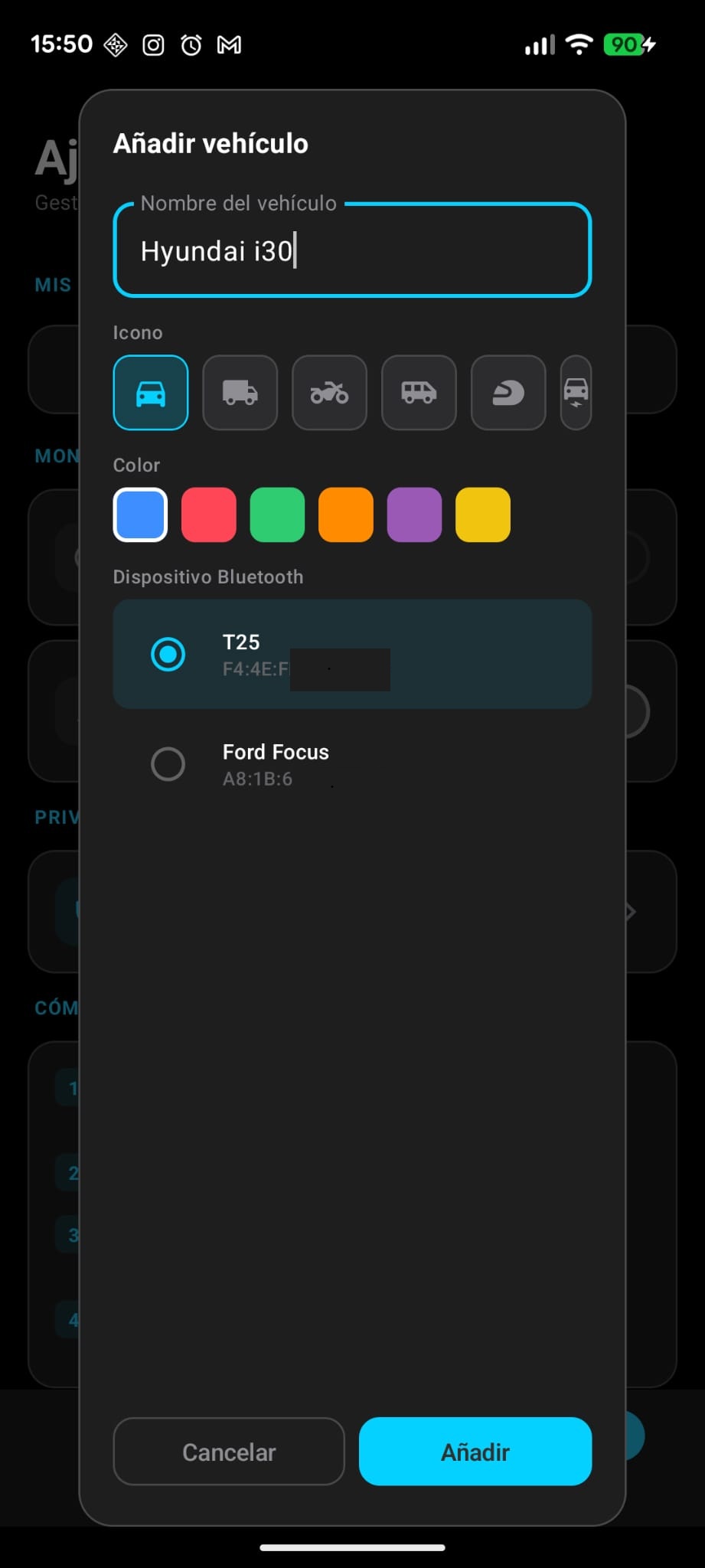
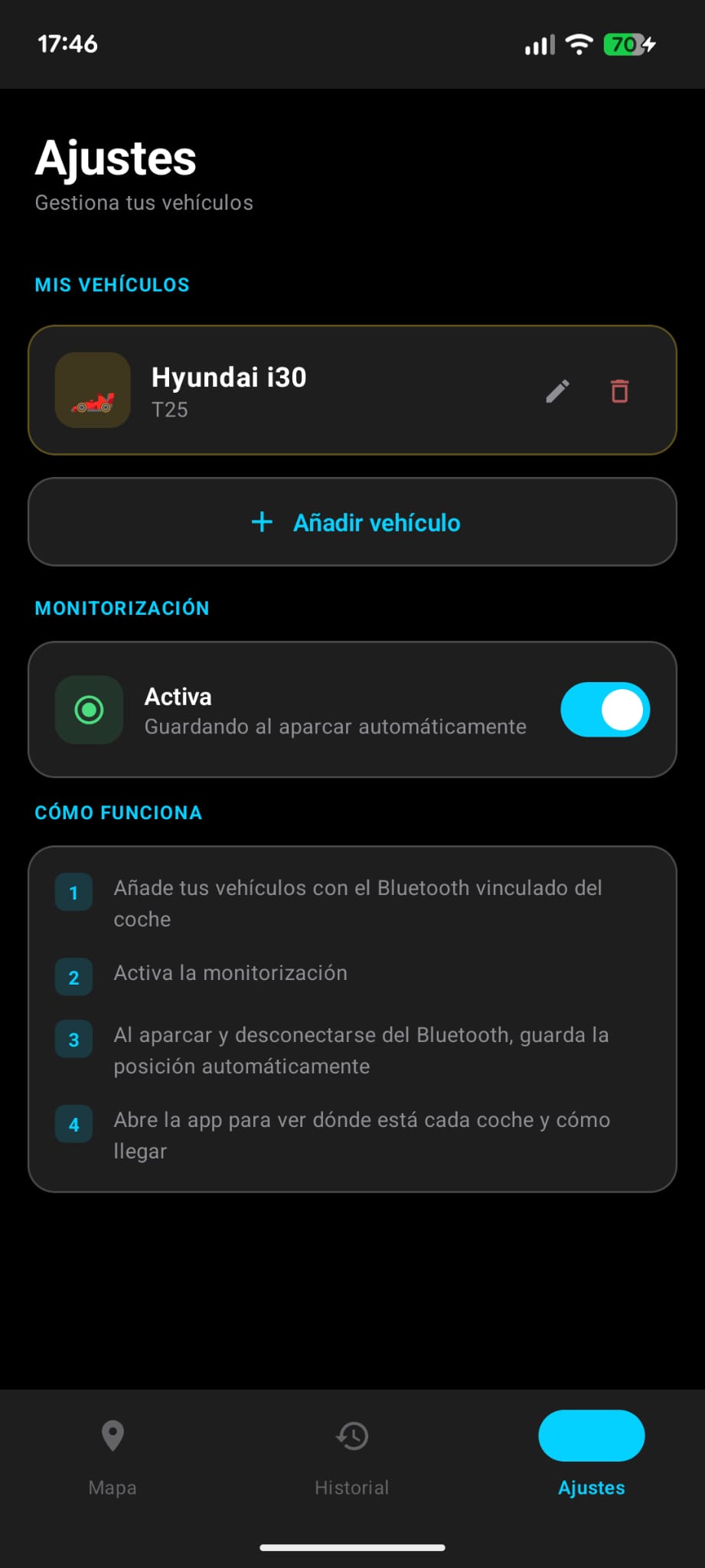
Direct app screenshots: map, date-grouped history, settings and vehicle setup.
When it helps
Come back from a trip and recover the exact point without relying on memory, photos or notes.
Useful when there are repeated floors, zones and entrances.
Save where you left the car and open the route when your plan is over.
Concerts, stadiums and venues where everyone leaves at once.
Car, motorcycle or van with Bluetooth: each vehicle can have its own color.
You can also mark a specific location when you park without Bluetooth.
Blog
Practical advice for airports, new cities, shopping centers and real-life parking situations.
FAQ
No. If you register your car through Bluetooth, ByParker saves the location automatically when it detects the disconnection. You can also save a point manually.
Yes. You can add multiple vehicles and identify them by name, icon and color.
Yes. ByParker is available in Spanish and English, and you can change the language from Settings.
No. Vehicles, Bluetooth data and parking history are stored on your Android device. ByParker has no backend receiving your location.
No. It remembers where you parked, but it does not continuously track the car or work as an anti-theft system.
ByParker

Free · No ads · No account